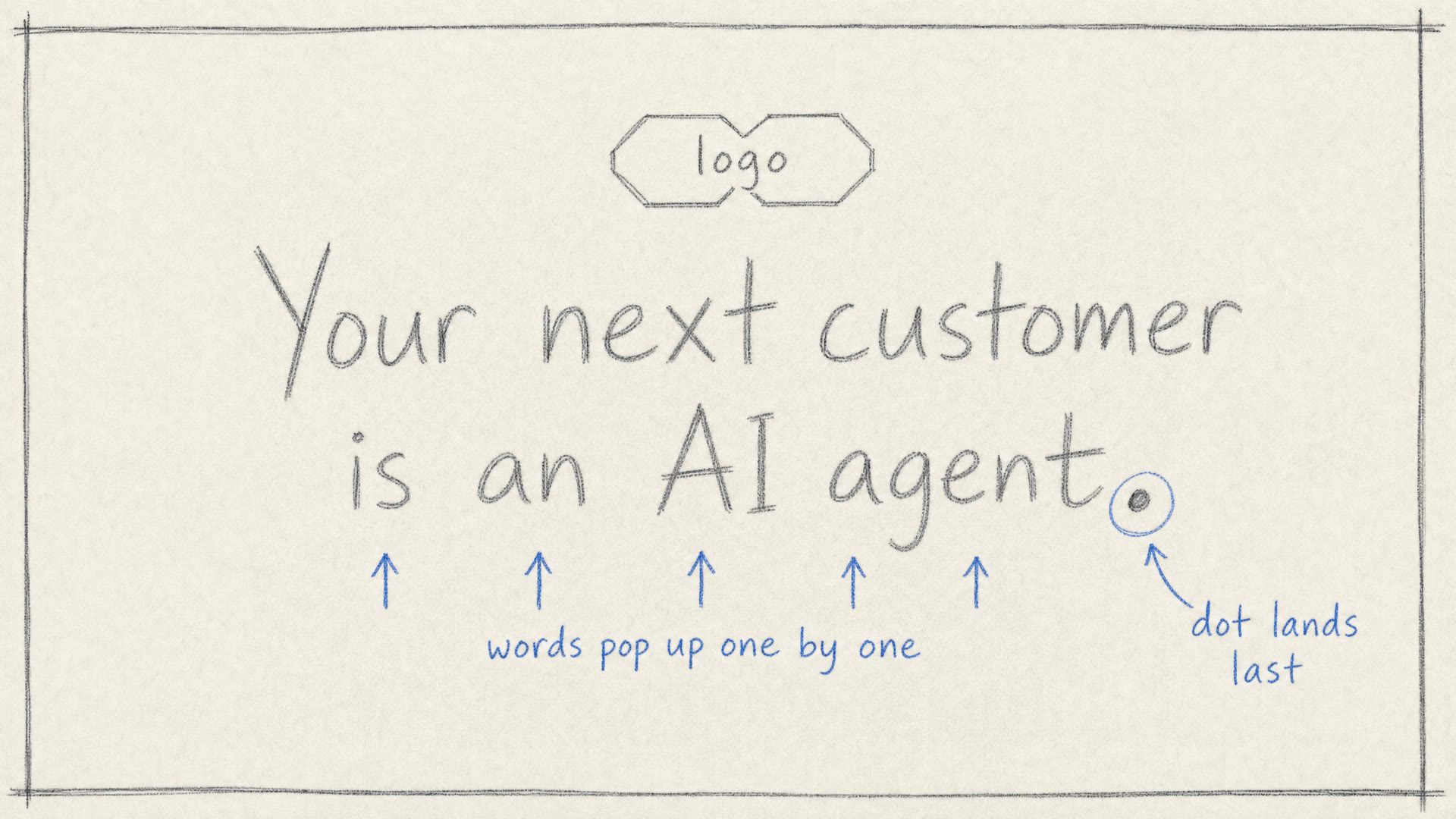
1
The hook
0:00- Moves
- The words come in one by one, and the blue dot lands last.
- On screen
- "Your next customer is an AI agent." with the Encore logo above.

For me, the main challenge in the video was showing a problem you can't see. A bank's page can look fine to us, while an AI agent misses the rates.
I felt people should see why this matters before they see the score. So I started with one simple customer question and followed the agent to its answer. That way, you can see how a bank can lose a recommendation because of details the agent couldn't find.
For each frame, I thought about what people need to understand and how it leads to the next one. I wanted one thing to carry on between scenes, so the story stays easy to follow. The sketches show the idea behind each frame, and the blue notes show how it moves. I made the sketches with GPT Image 2.
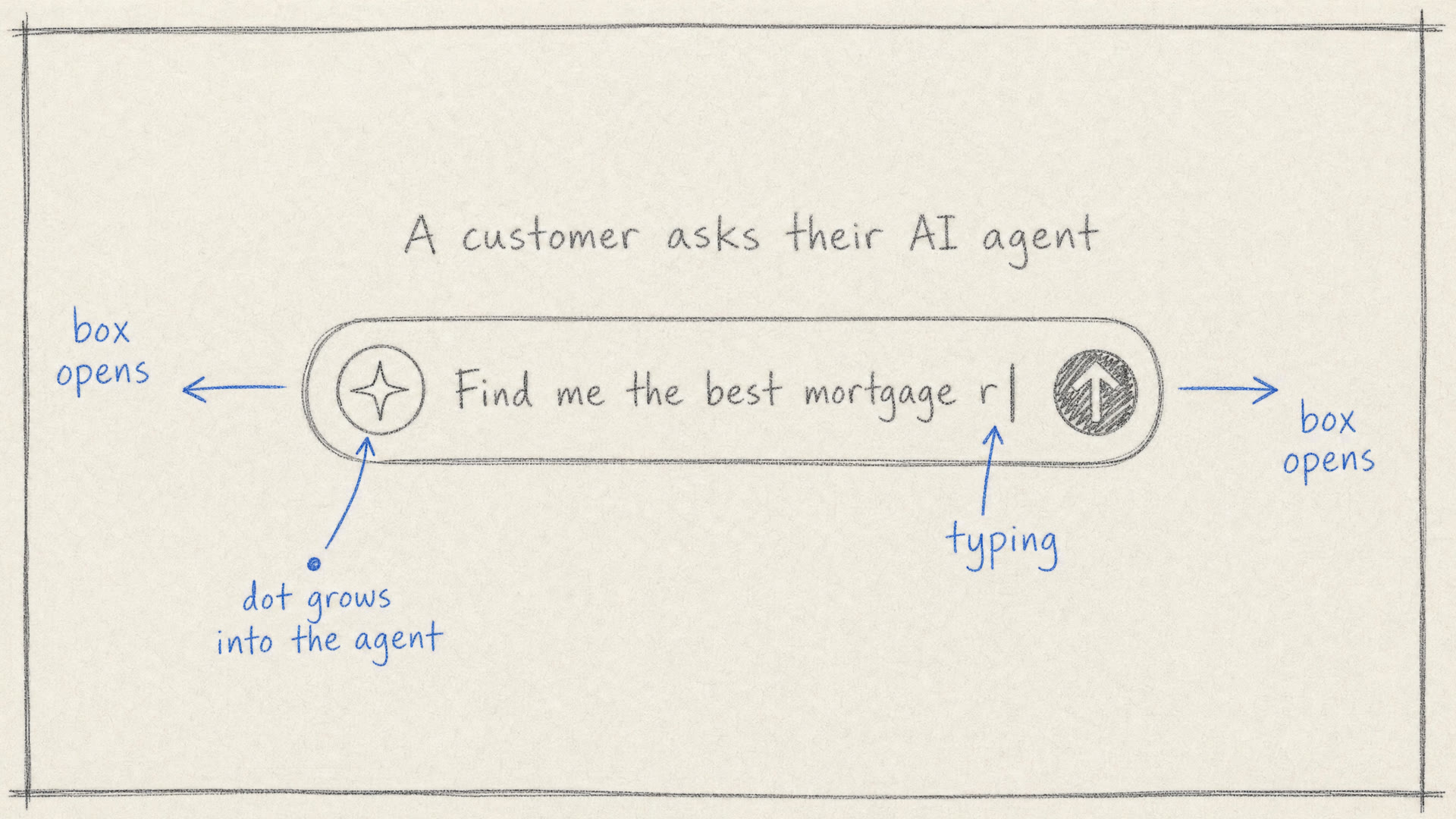
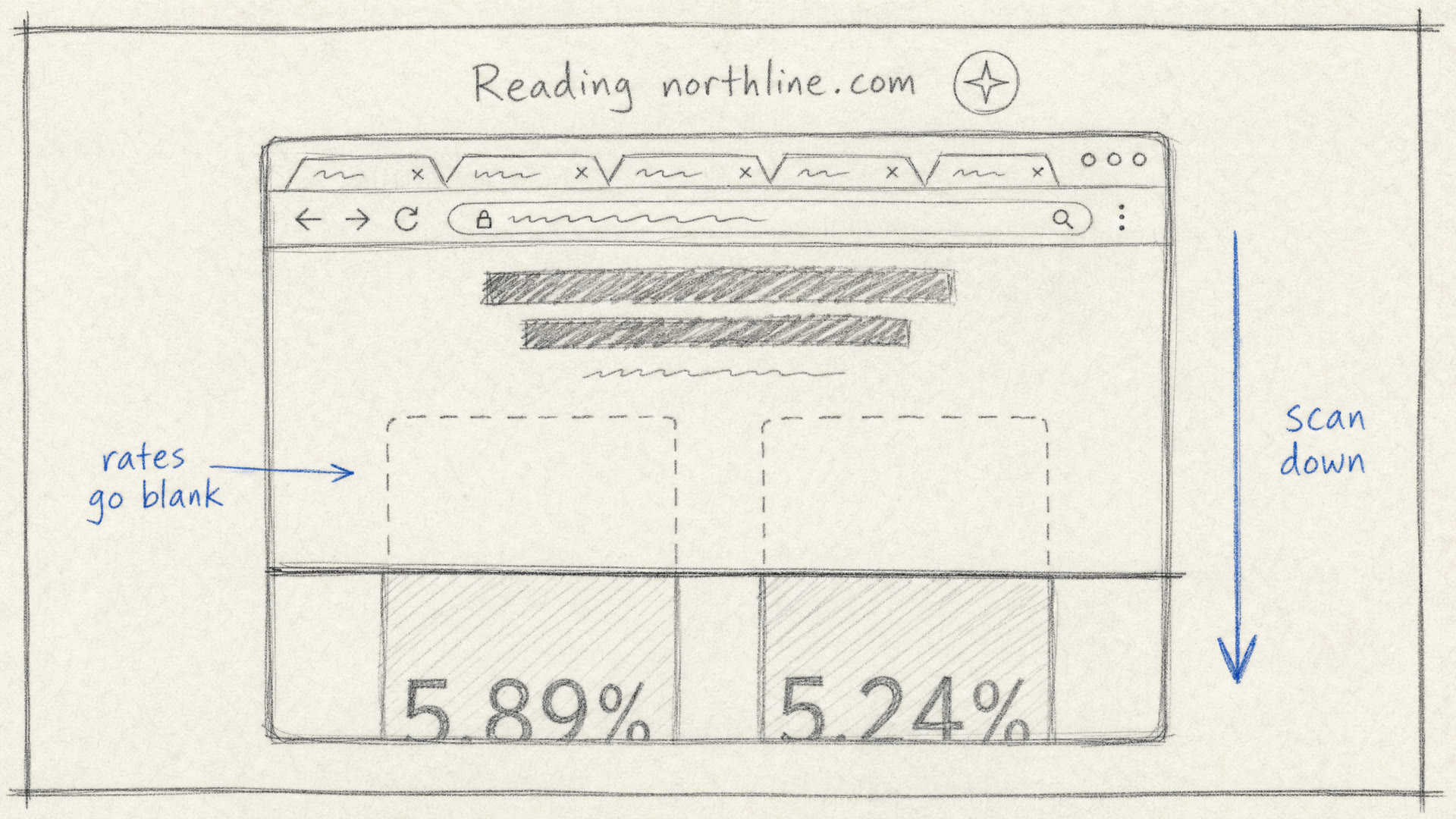
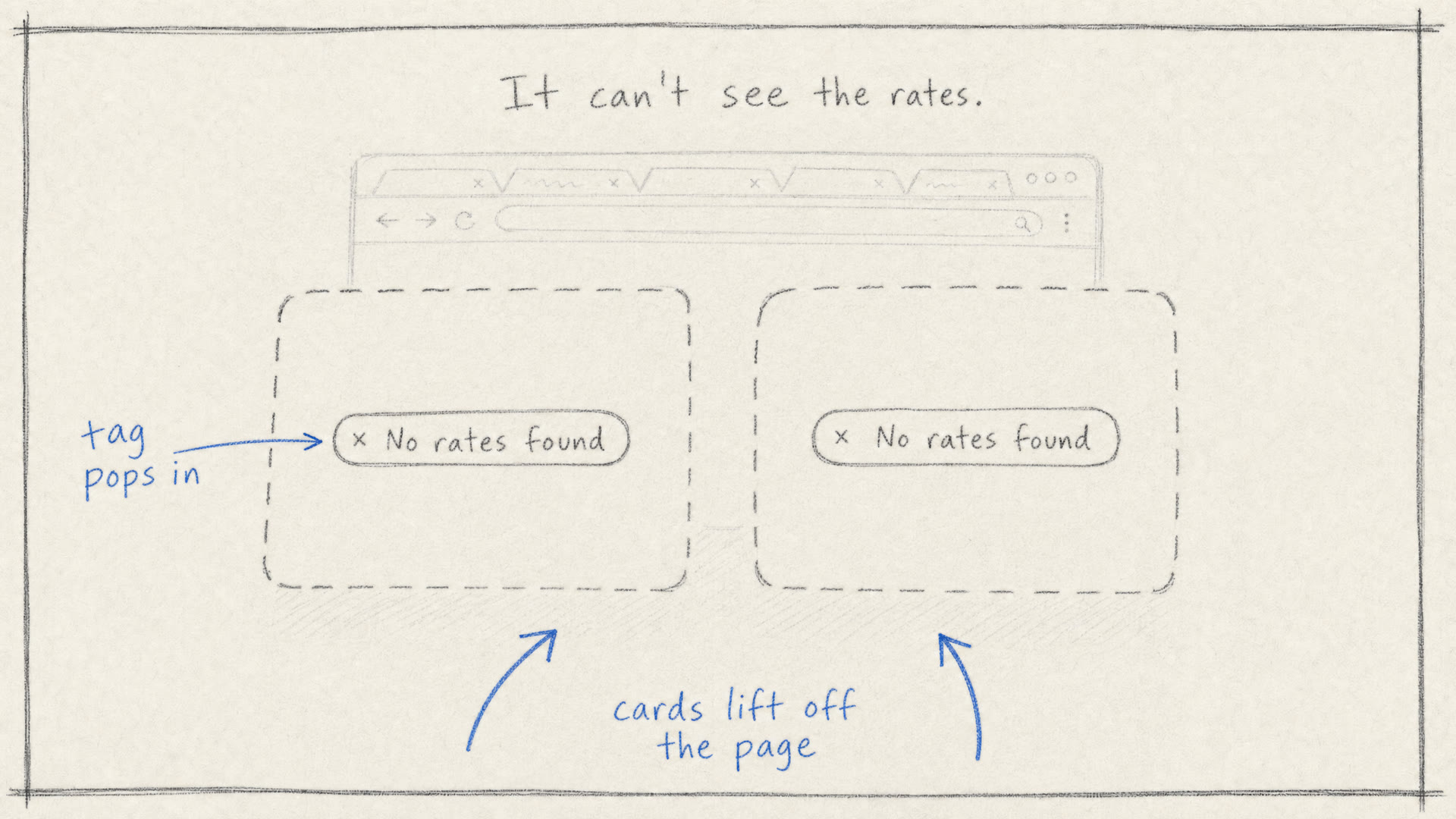
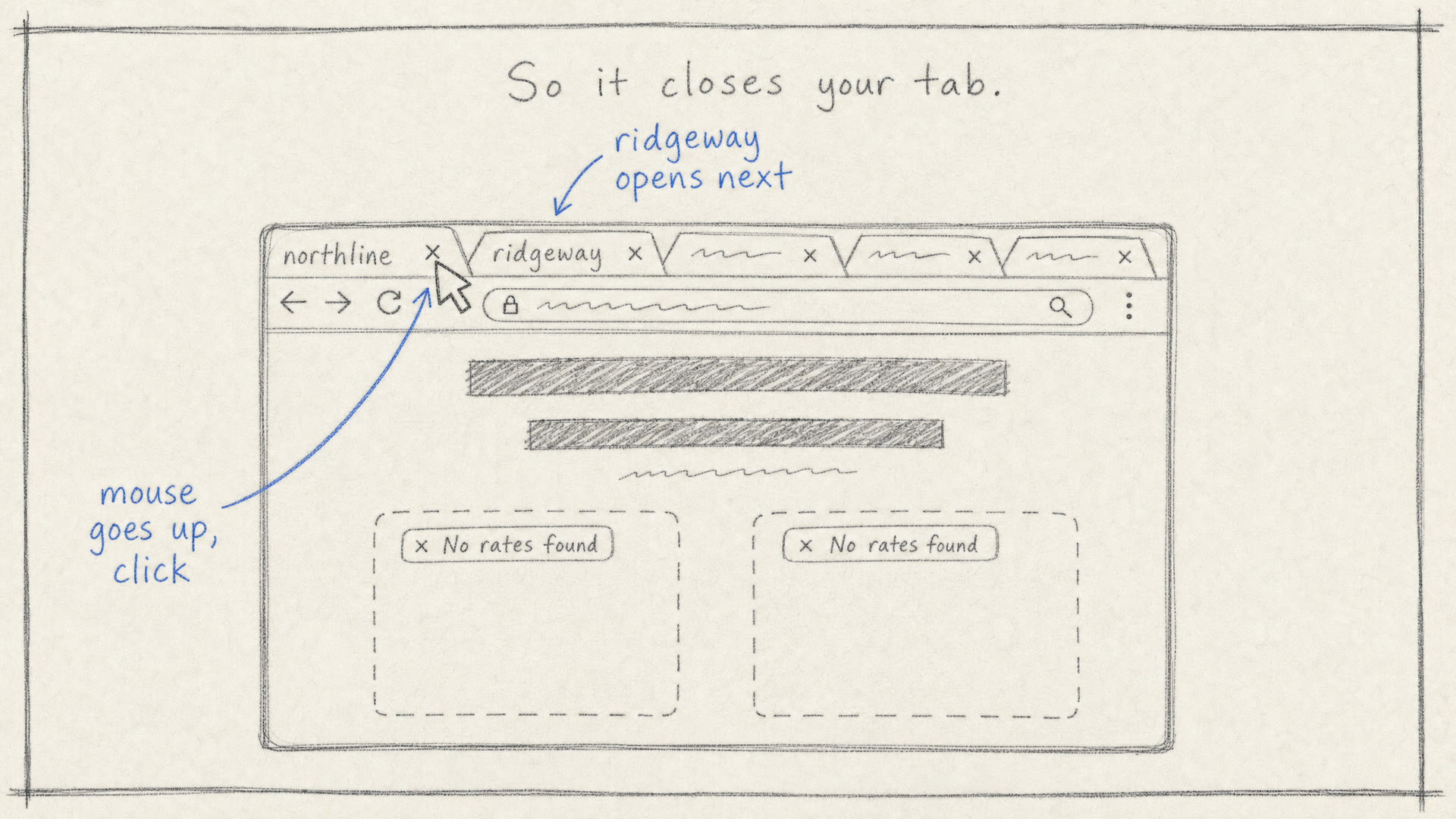
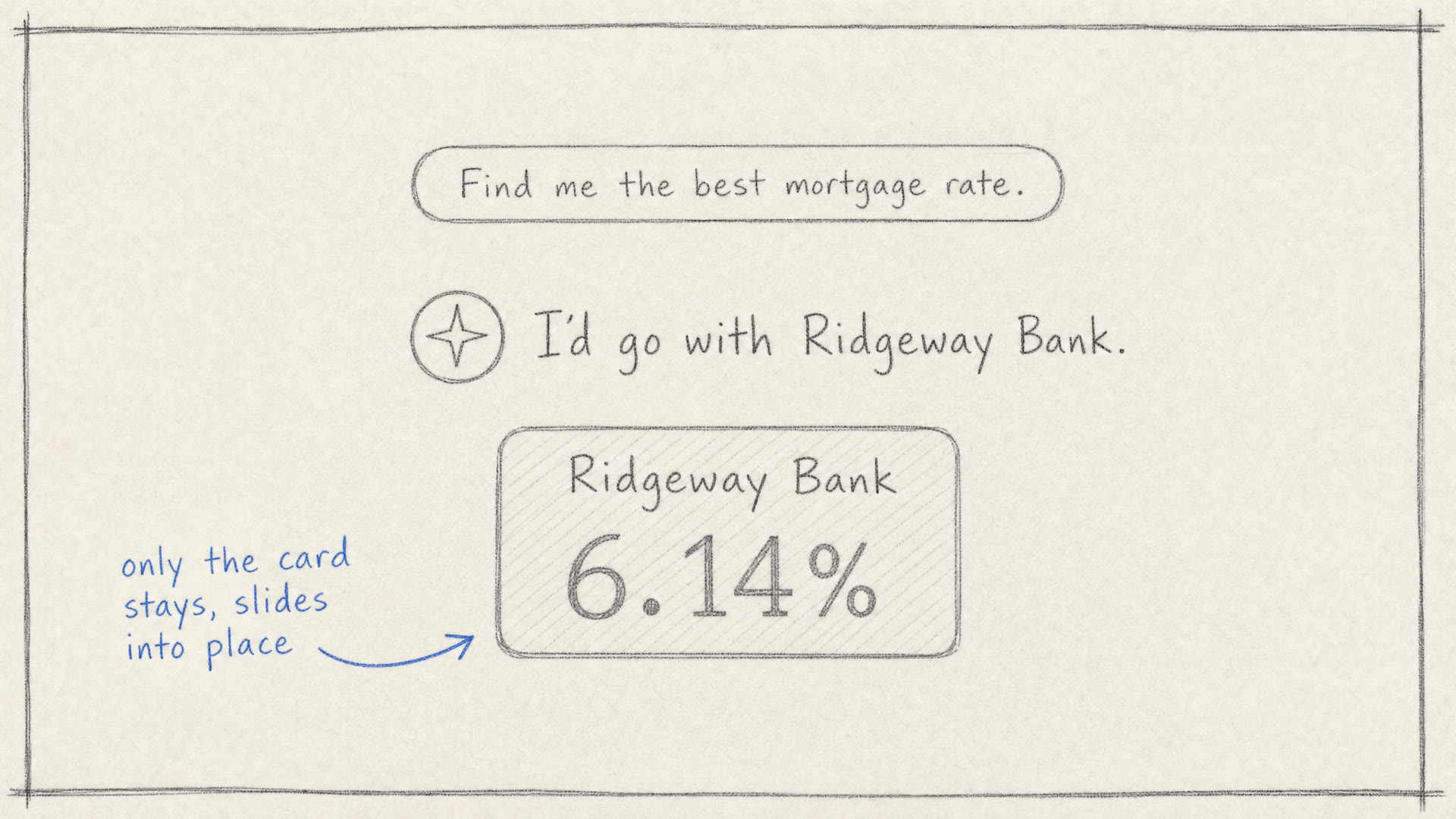
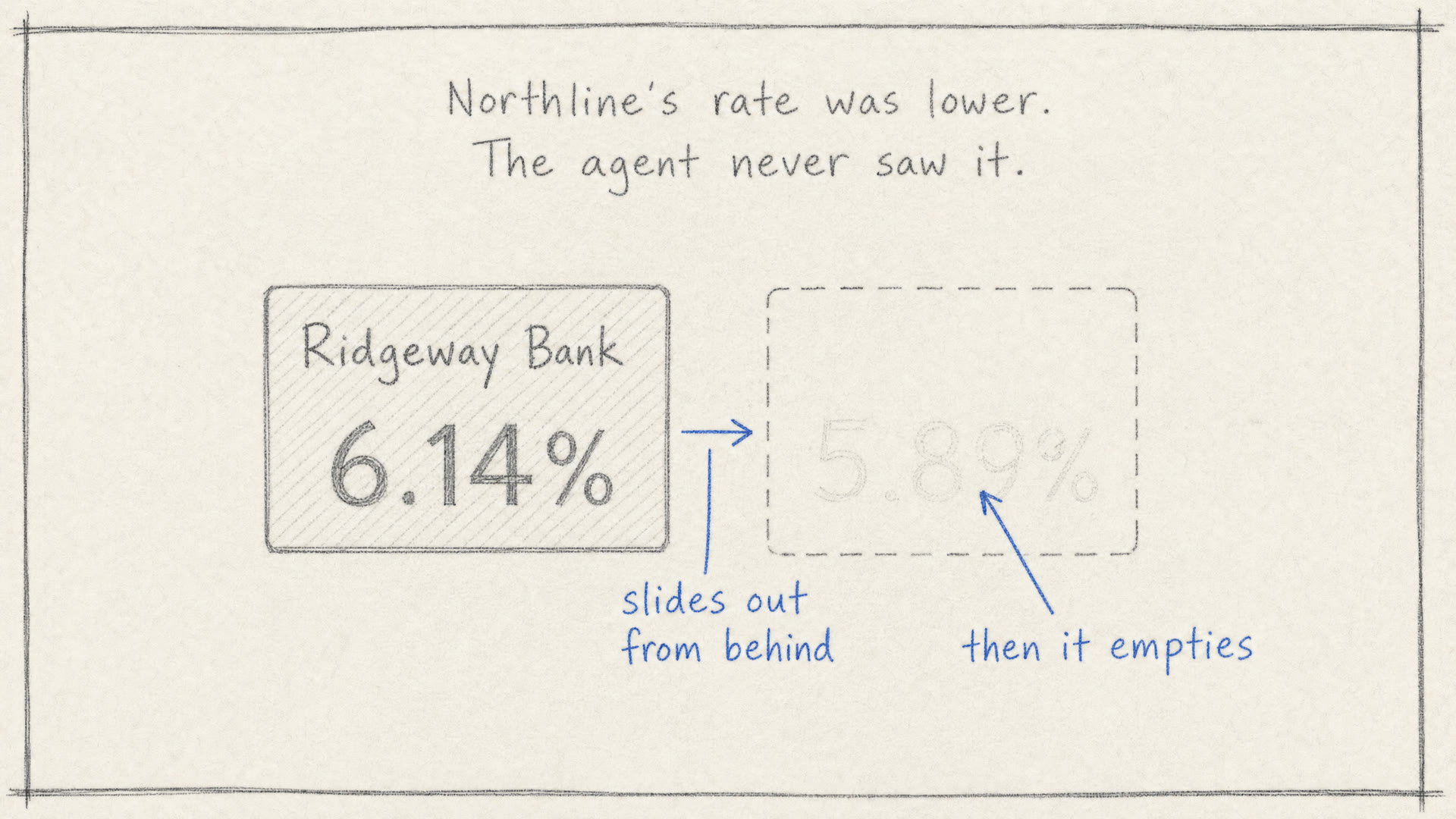
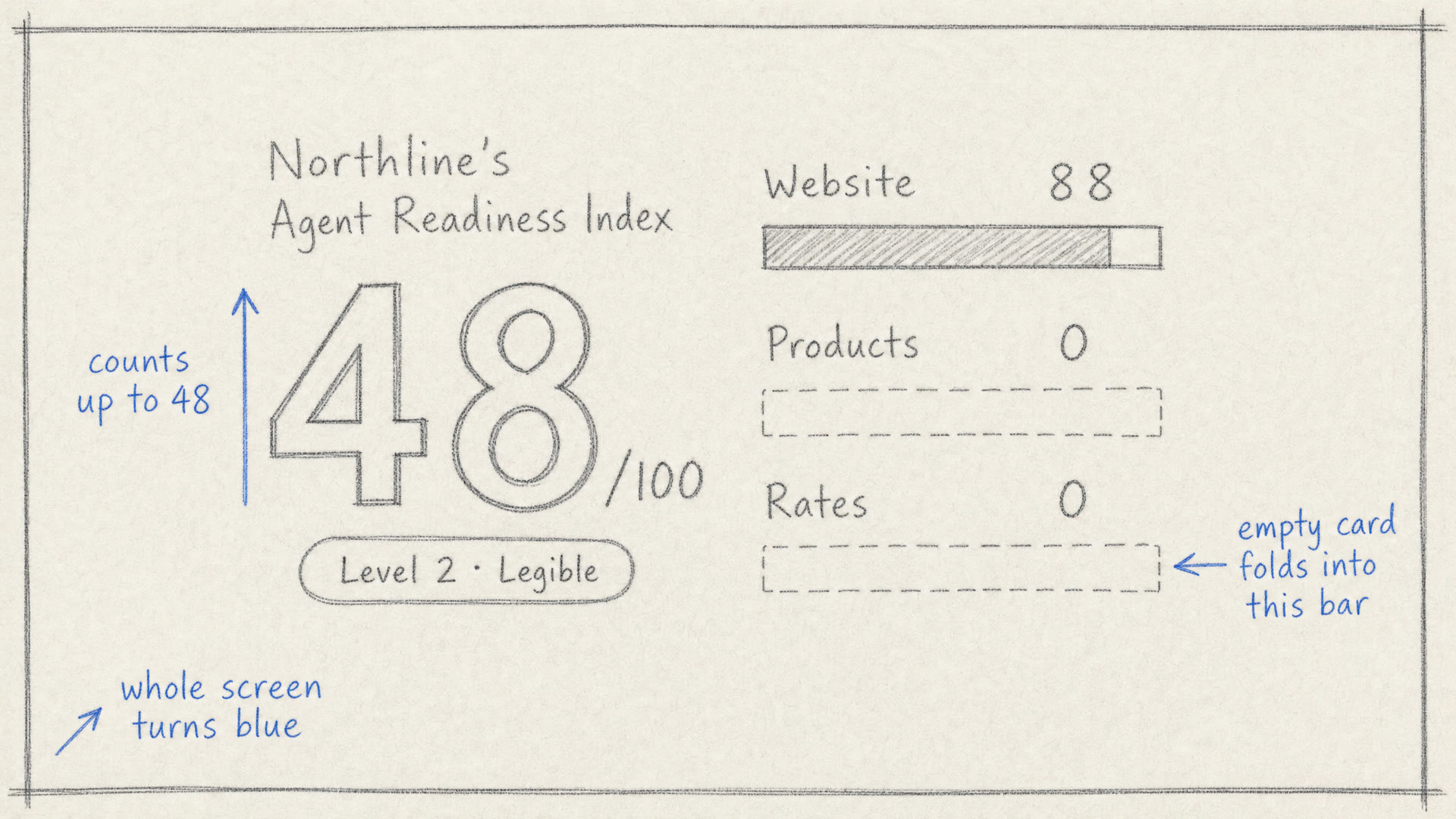
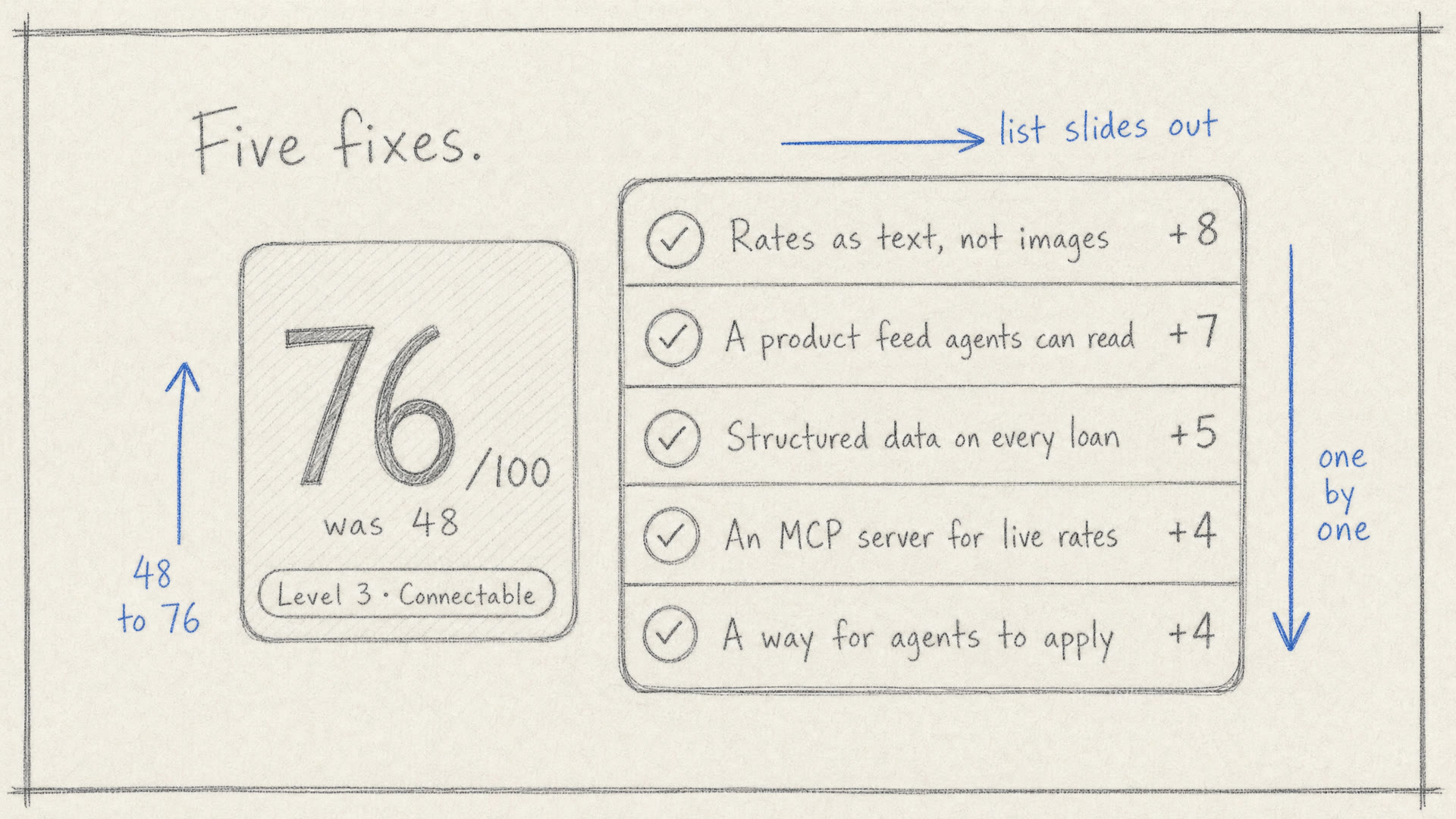
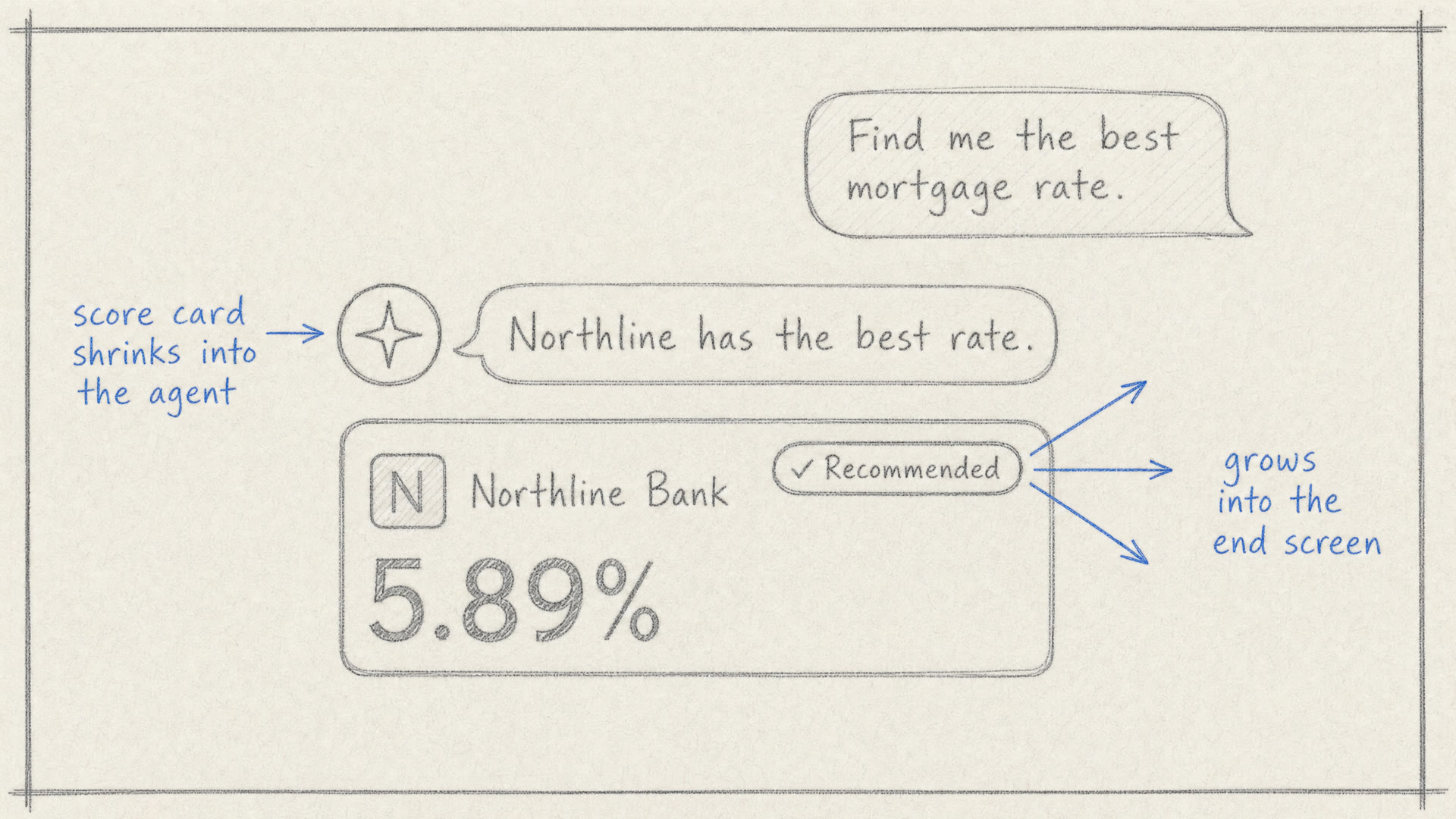
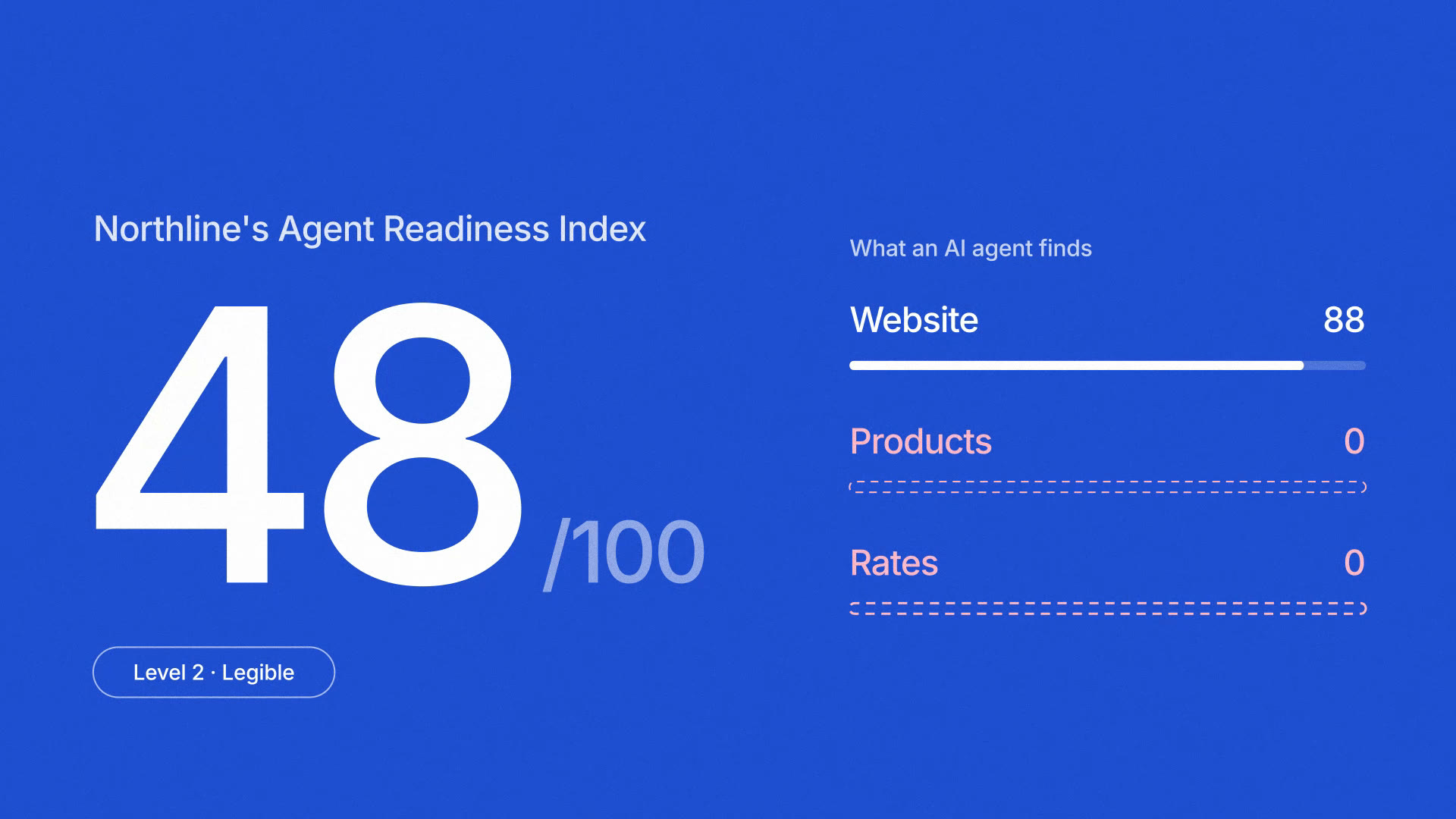
All figures are sample data for a fictional bank.
It can't see the ratesThe Agent Readiness IndexFive fixes
Sketch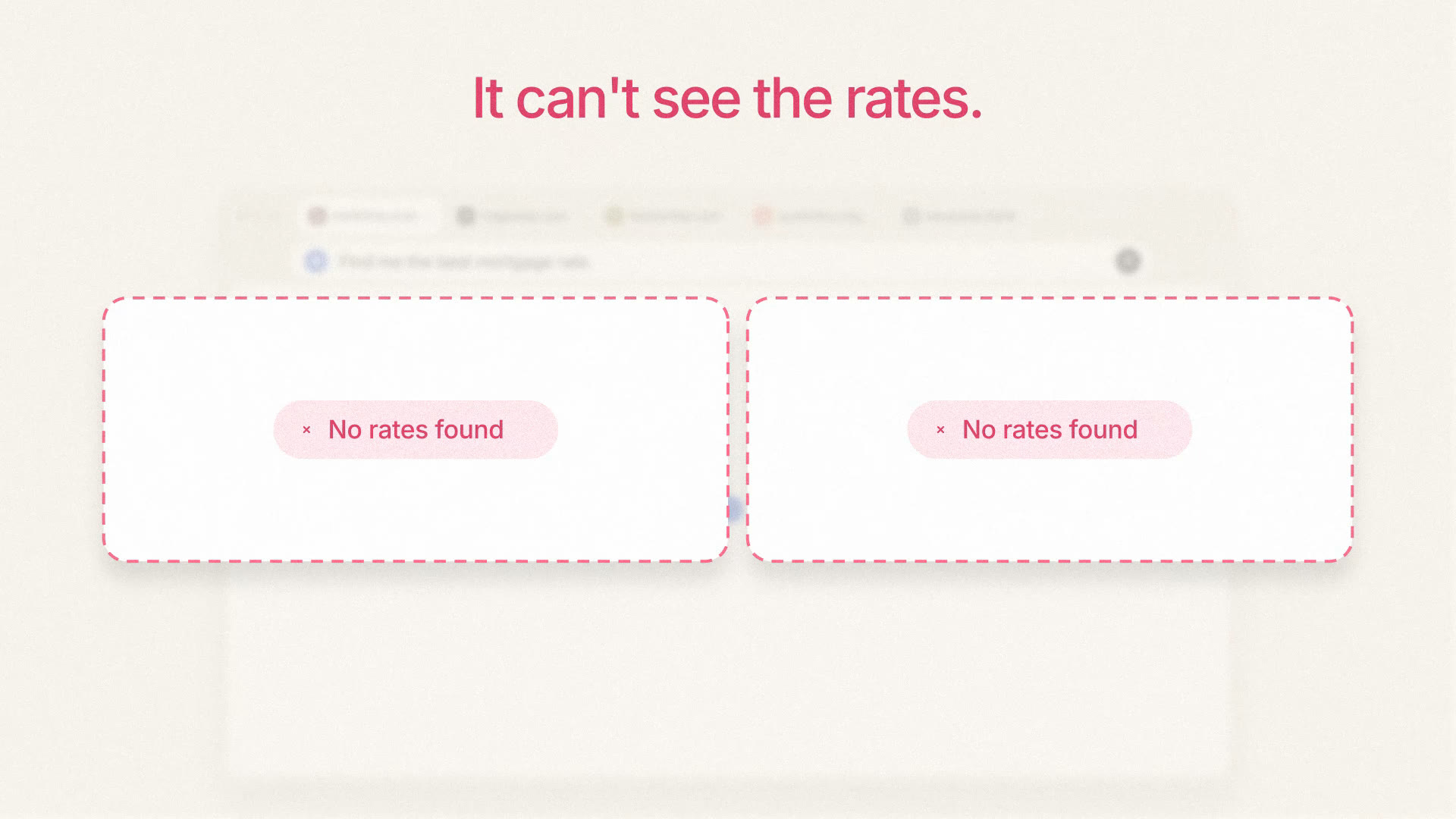 FilmSketch
 FilmSketch
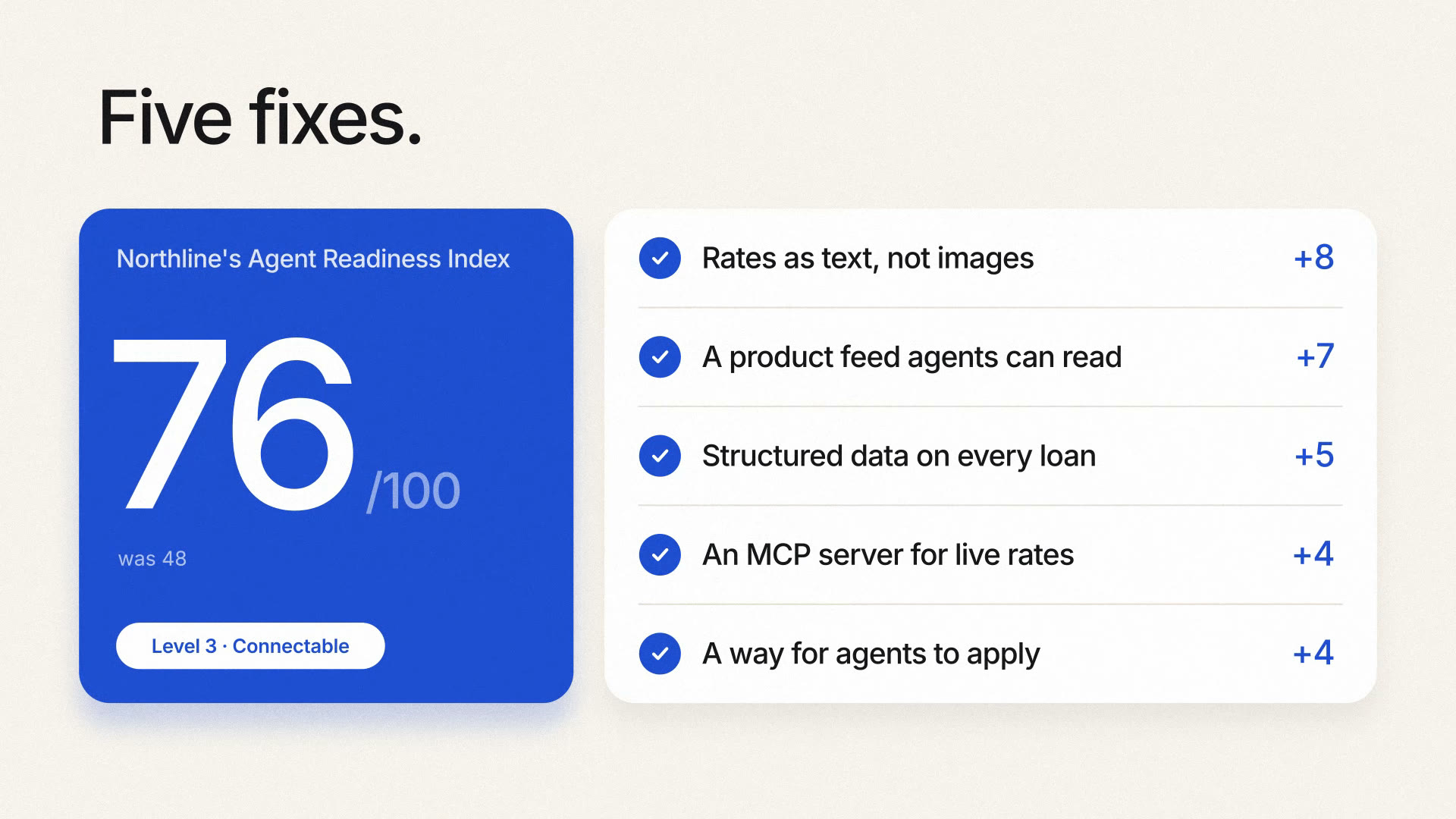 Film
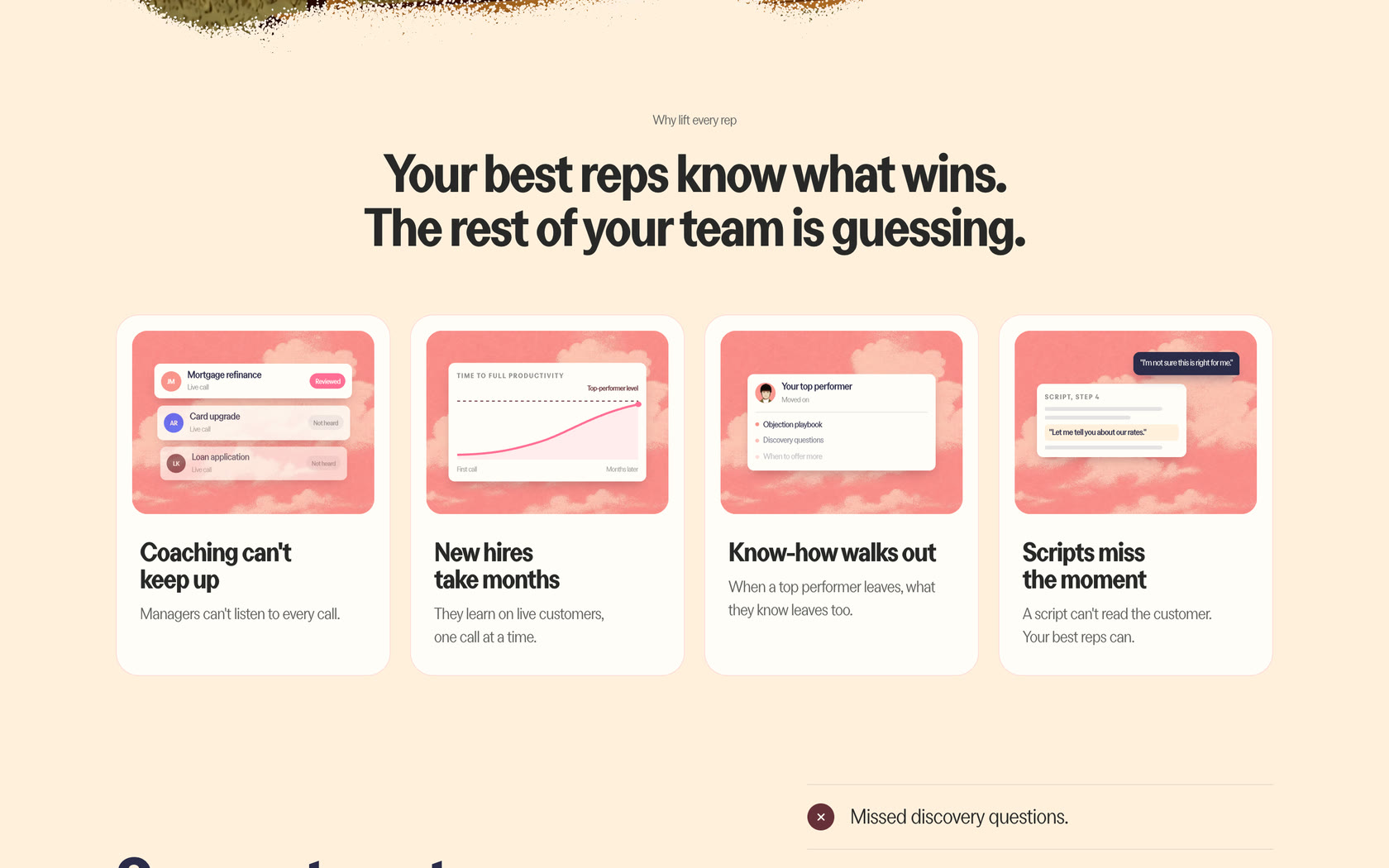
I tried to look at the page through the eyes of someone who runs a sales or contact center team at a bank. What would catch my eye, what would I want to see first, and what would make me want a demo?
I'm seeing it from the outside, and there's probably a lot I don't know. So here's what I liked, what I'd think about again and what I'd try.
Hover over a note to see it on the pageTap a note to see it on the page
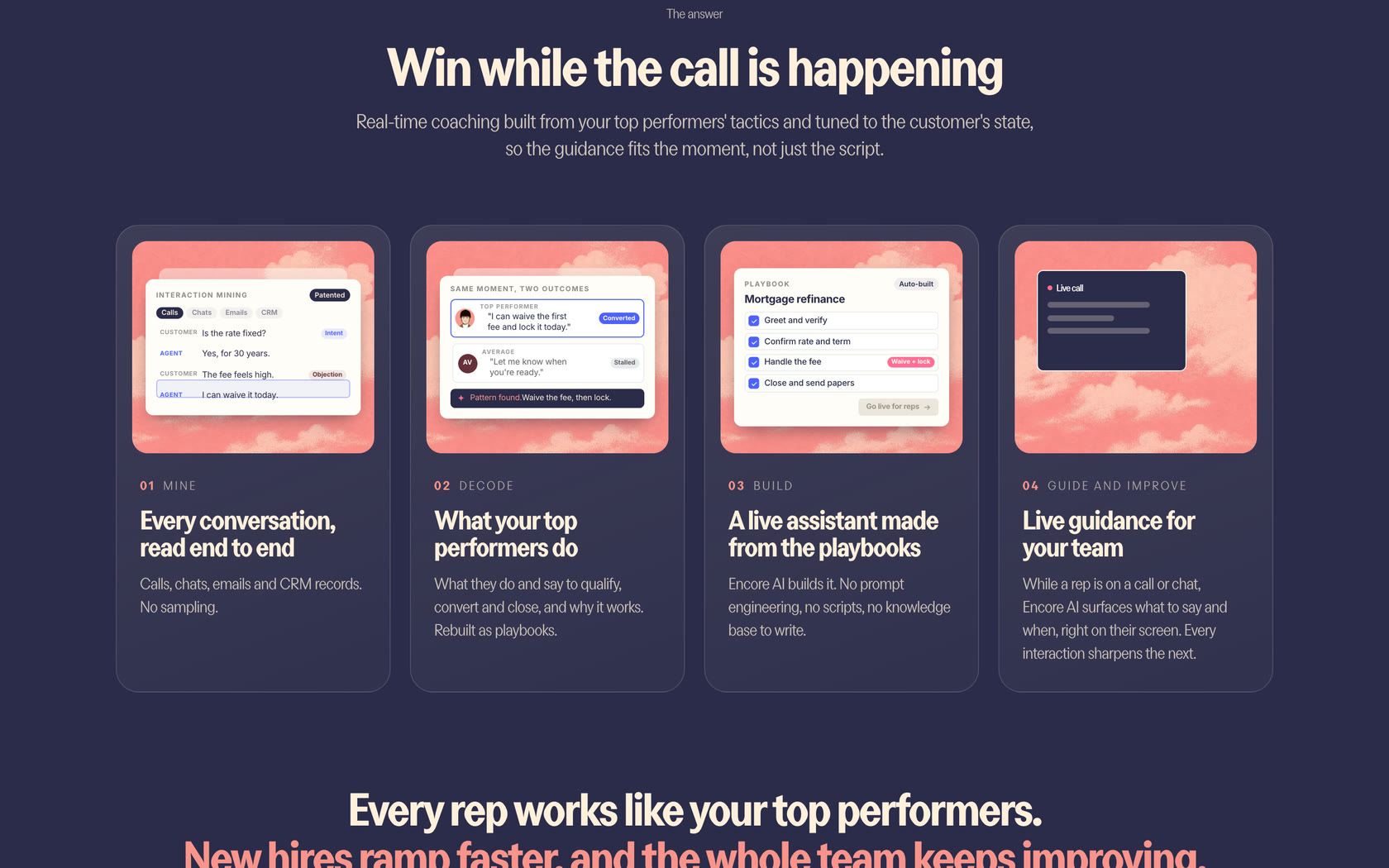
Hover over a note to see it on the pageTap a note to see it on the page
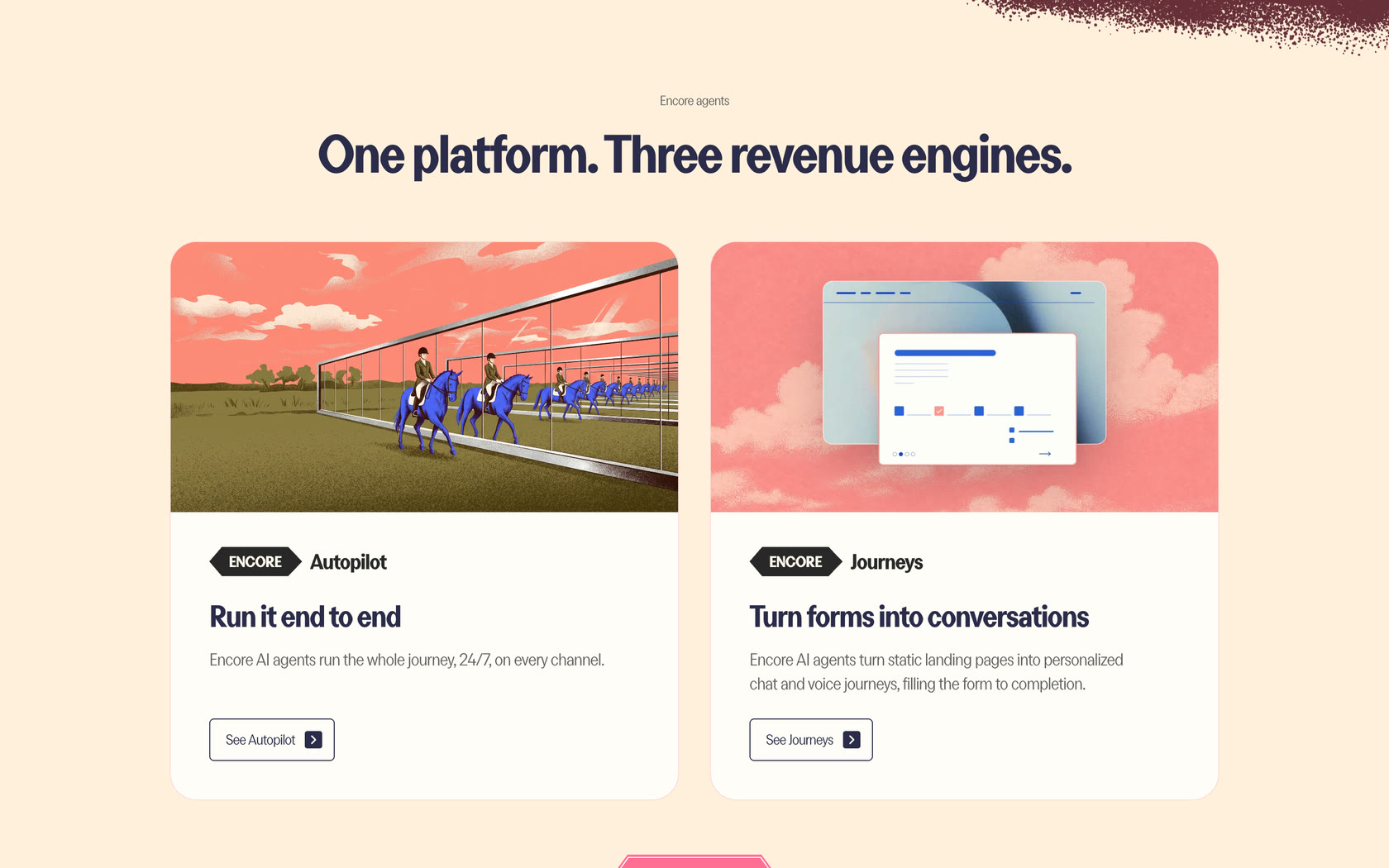
Hover over a note to see the ideaTap a note to see the idea
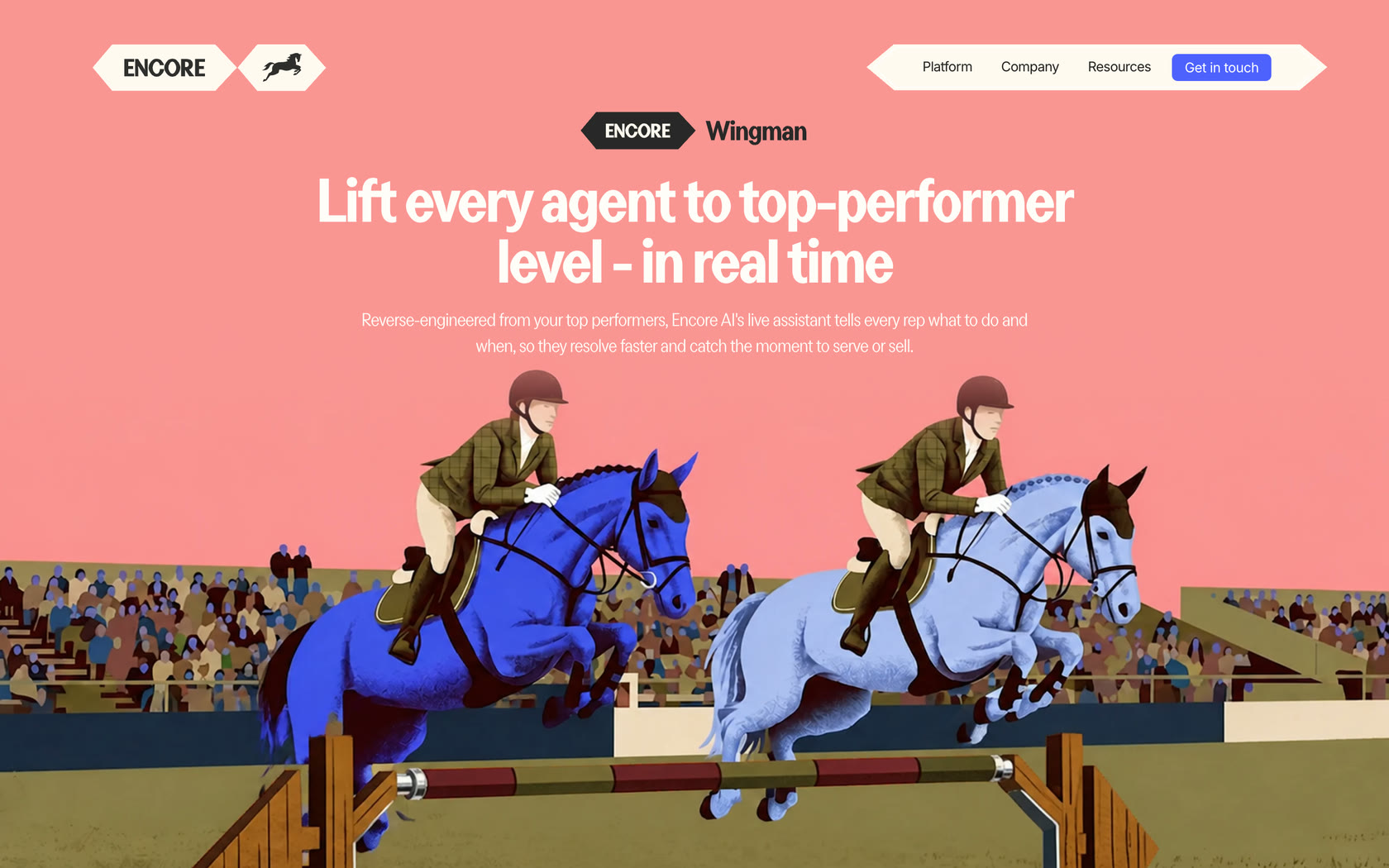
Lift every agent to top-performer level, in real time
Book a Demo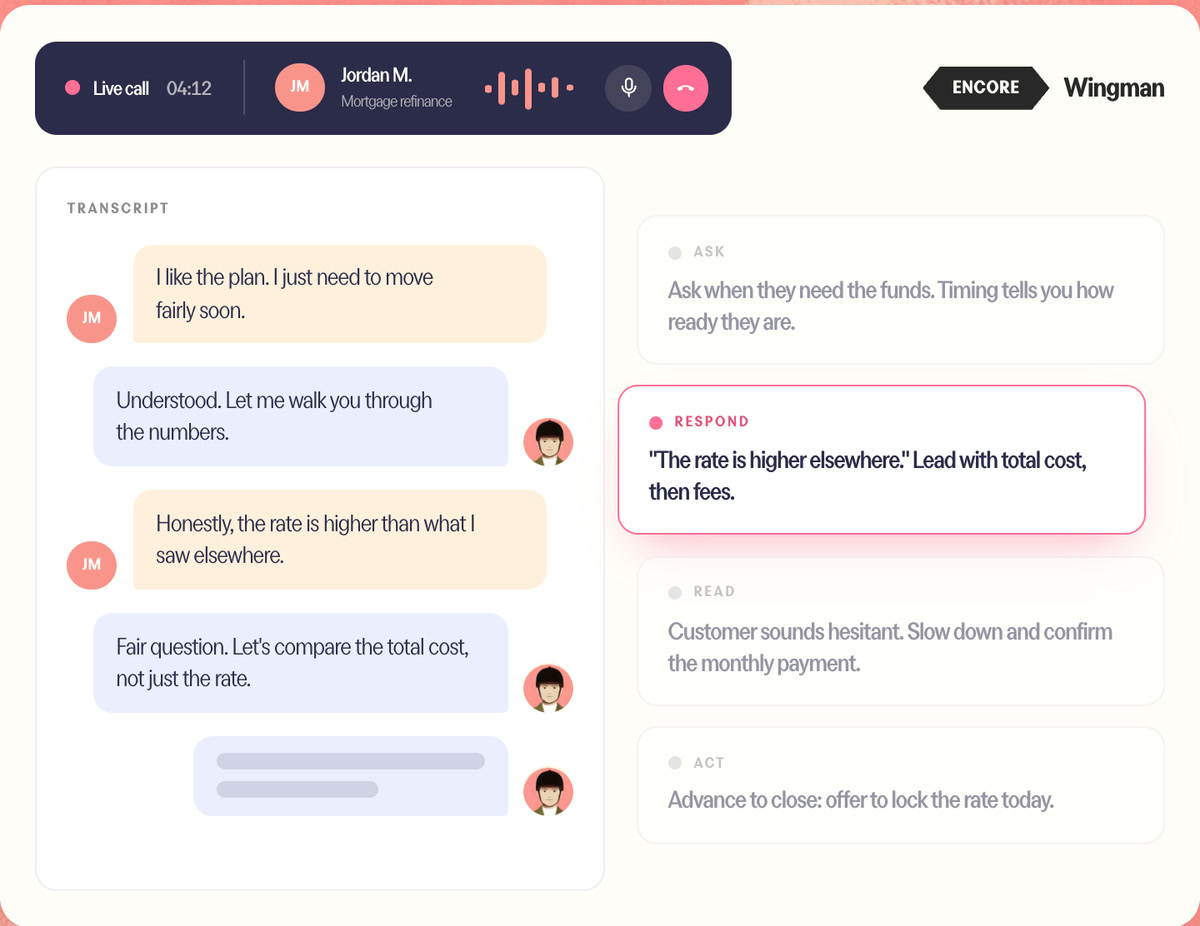
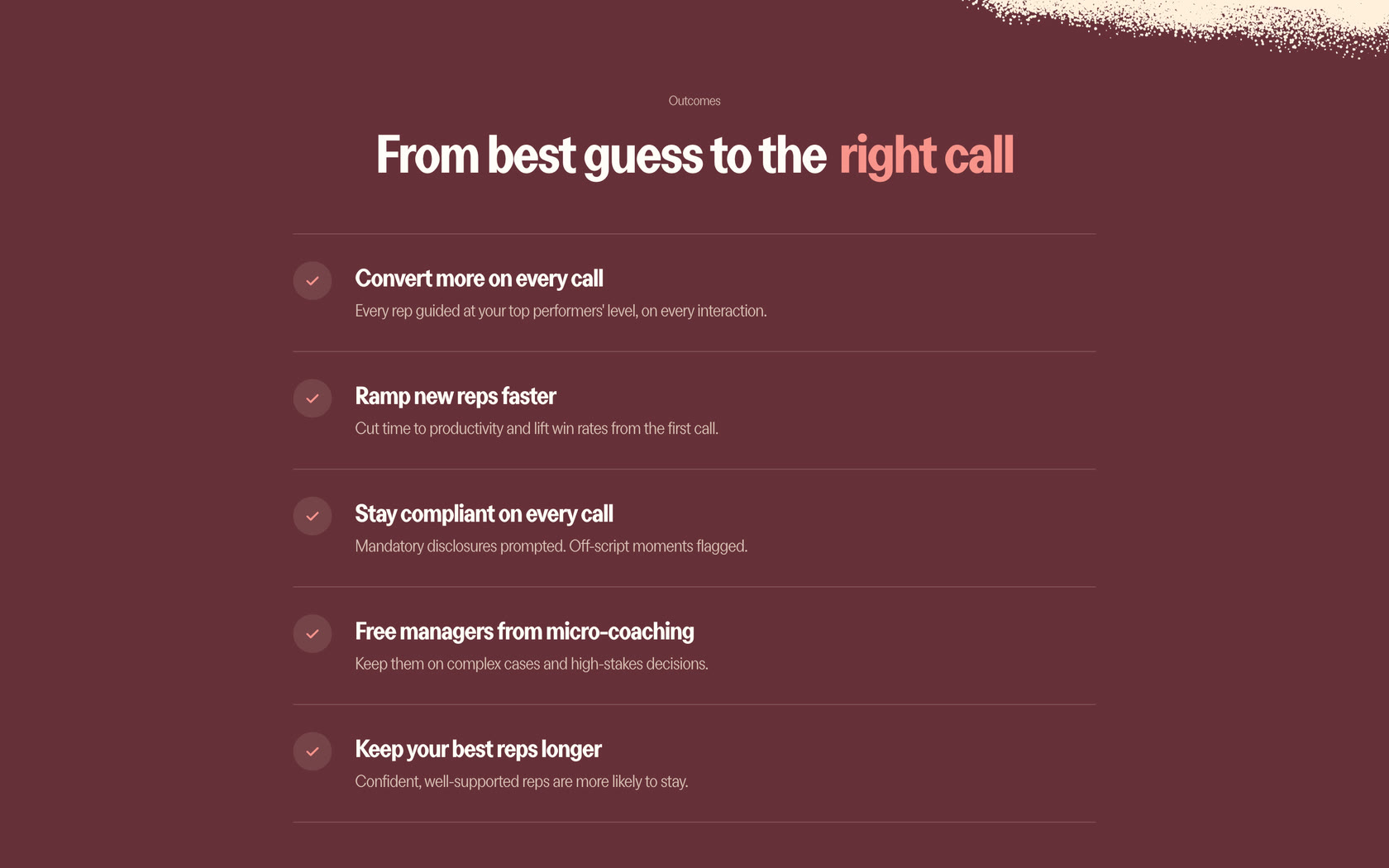
[ result ]Conversion
[ result ]Ramp time
[ result ]Compliance
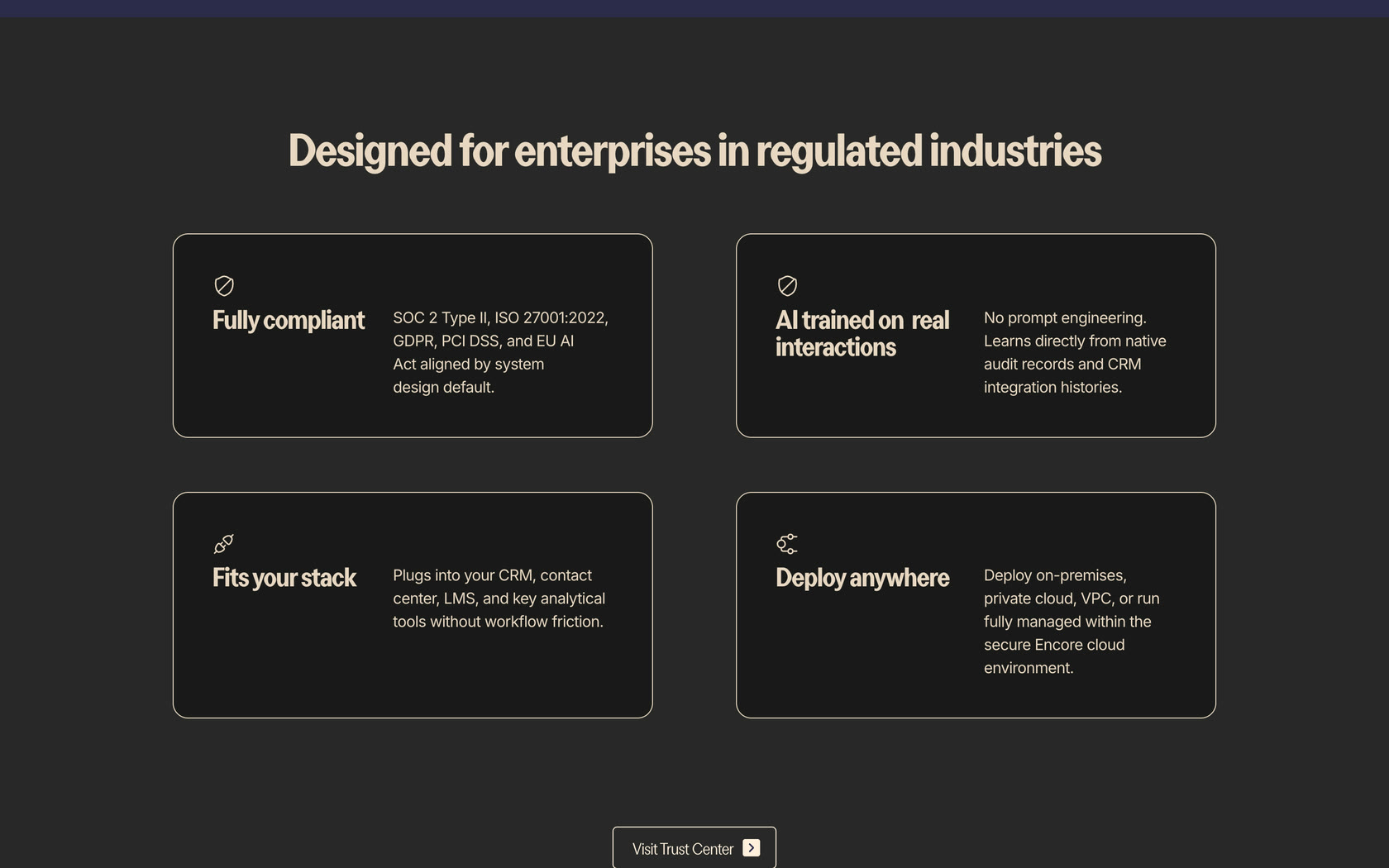
Designed for enterprises in regulated industries
Hero
Results
The problem
How it's built
On a live call
What you get
Other products
Control
Trust and tools
Demo
TodayMy idea
A simple wireframe of the full page, with the role of each section next to it.
Shows Wingman helping on a call, next to one clear button. You see what the product does right away.
SOC 2 Type II · ISO 27001 · GDPR · PCI DSS
Gives a manager a reason to keep reading. A short line with the certifications can help a bank feel comfortable early on.
Shows the gap between the best reps and the rest of the team, so it's clear why Wingman can help.
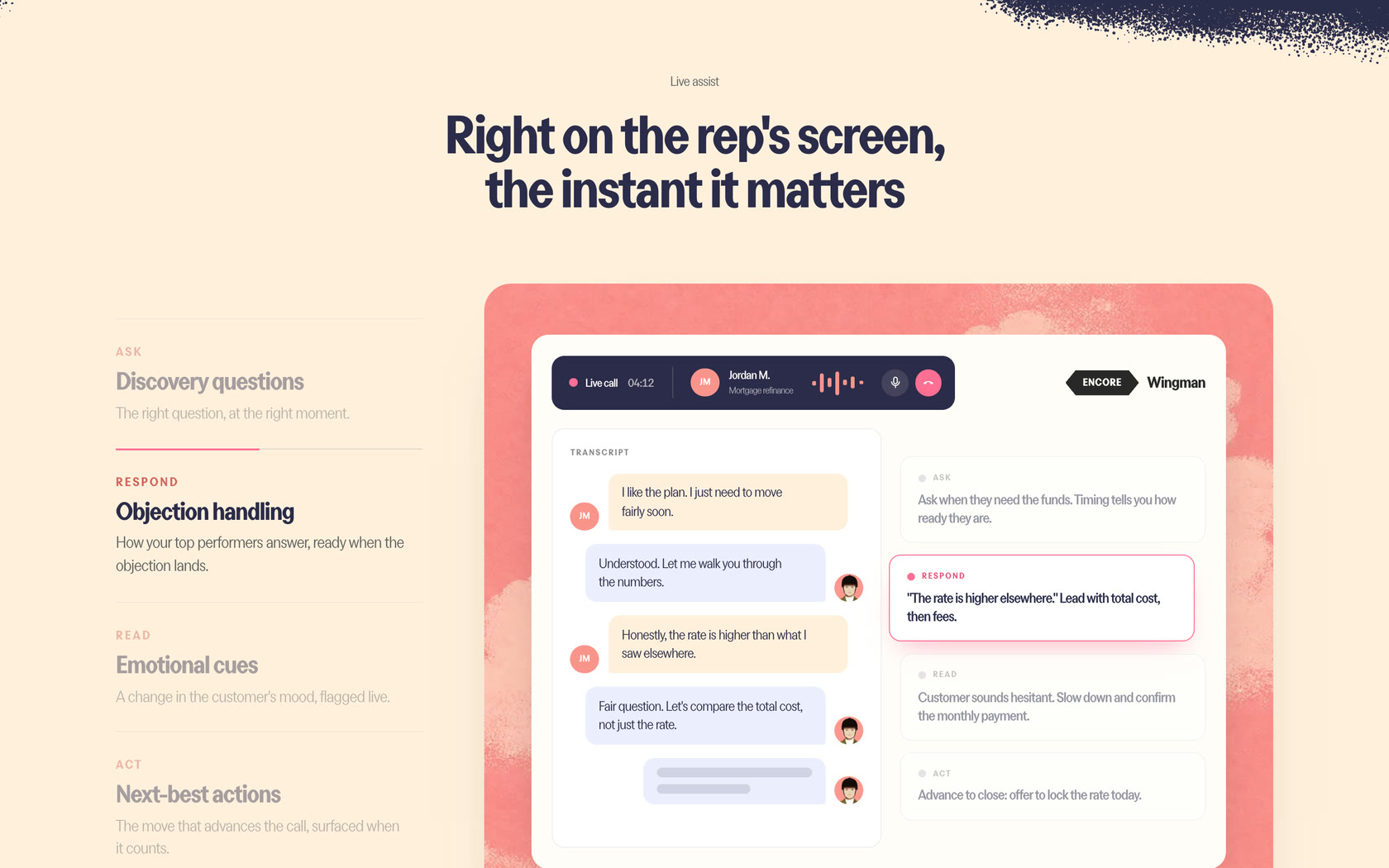
This is where the product is explained visually. In one call, the customer says something, Wingman notices it and the rep gets a tip.
Now that people have seen what Wingman does, four steps explain how it learns from the best reps.
Connects the product to what matters to a manager, like conversion, ramp time and compliance.
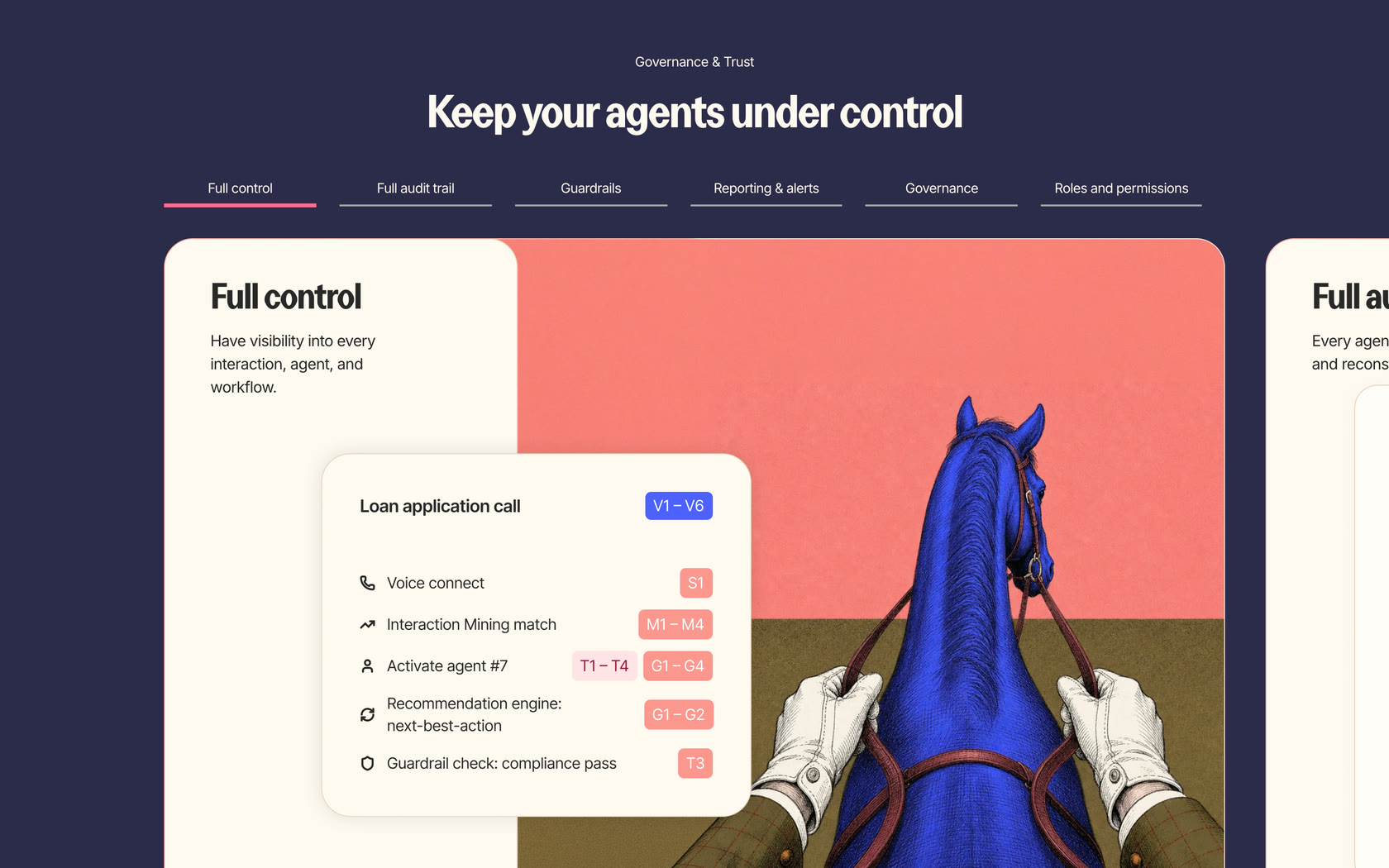
Shows how the company stays in control of its agents.
The full details, for anyone who needs to check security, compliance and how it works with their tools.
Book a Demo
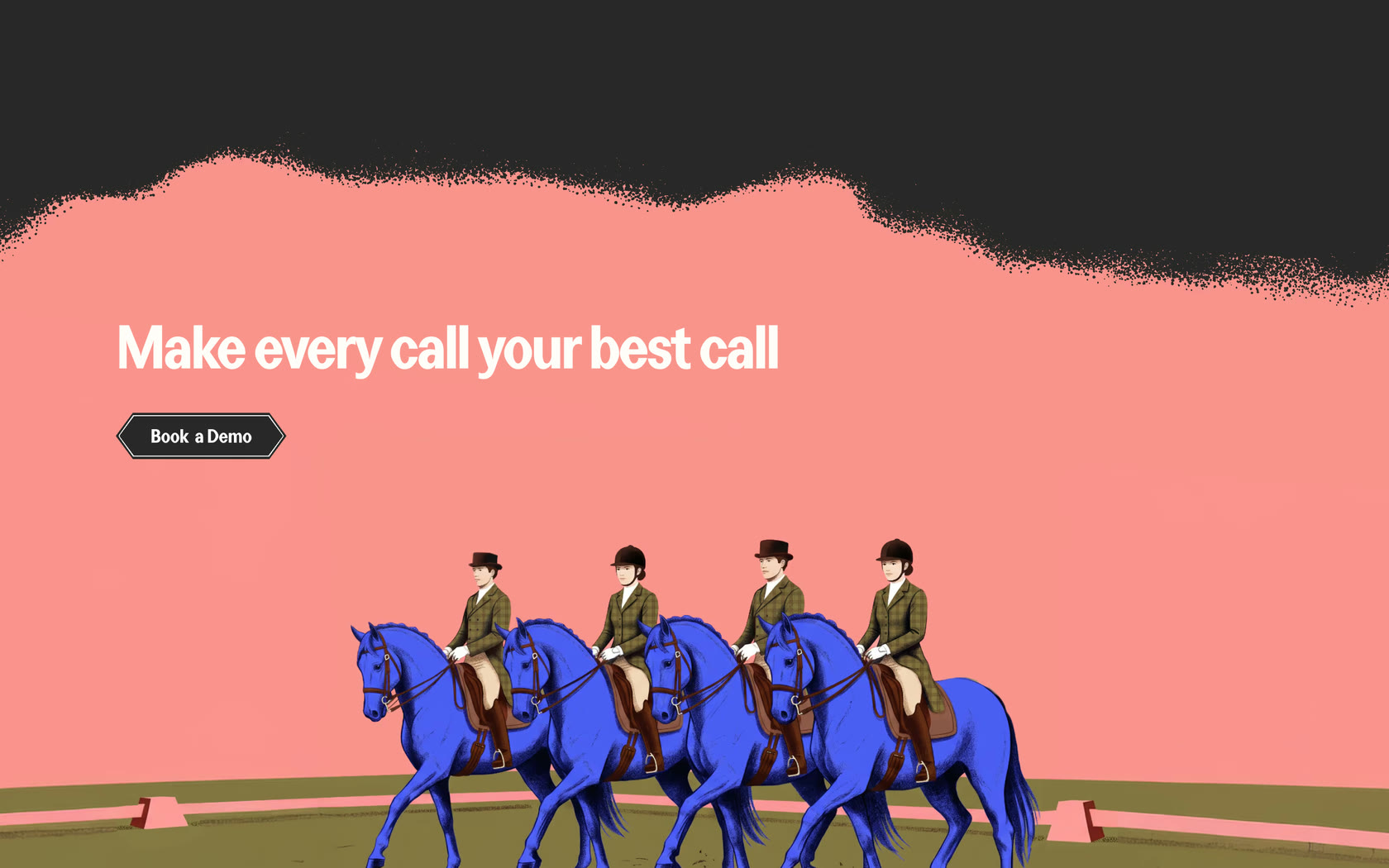
One clear next step, with the same button name as in the hero.
Autopilot and Journeys come last, so the page stays focused on Wingman up to the demo.
Live call0:42
We're also thinking about buying a home.
That's exciting!
WingmanListening to the call
Tip for the repAsk when they plan to buy.
Tip for the repOffer a mortgage call.
One short headline and an example call with tips for the rep. The button stays at the bottom, so it's easy to reach.
I'd keep the same order for Autopilot, Journeys and the solution pages: show the product in action, add a result and a trust line, explain the problem, and then go into how it works. On product pages, the example in the hero and the main demo would change with the product. On solution pages, the structure would stay the same, and the problem, example, results and compliance details would change for that audience. Each page could have its own story, and people would still know where to find things.
Animation and video
I used it to create the animation. I planned the easing and the match cuts so each scene leads into the next.
Code for this site
I used it to write the code for this site.
The look of the sketches
I used its image model, GPT Image 2, to give all ten frames the same pencil look, with short notes about the movement.
Storyboard frames
I used it to generate the sketches with GPT Image 2 and work on the storyboard. I also used it to explore the look of my first film idea.
Voice-over
I used it for the voice-over.